Digital Signage Guide
What Is Digital Signage?
Everything you need to know about digital signage solutions and screen management
What Is Digital Signage?
Digital signage means screens in shops, waiting rooms, gyms, offices and other shared places that show content you control from software: menus, offers, schedules or ads. You change what plays from one dashboard, for one screen or hundreds, instead of by hand at each screen.
Whether you're running a single screen or managing hundreds across multiple locations, digital signage provides a professional, efficient way to communicate with your audience without the headaches of traditional methods.
How to use digital signage
Pick the screen and the spot
Put it where people wait or look up: a counter, a reception, a gym floor. Any Android TV, Google TV or Fire TV screen works.
Install the app and pair it
Install the ClickClickPlay app and pair the screen with a code. It then appears in your panel.
Make short, readable content
One message per slide, large text, a few seconds each. Landscape 1920 x 1080 or portrait 1080 x 1920.
Schedule it and keep it fresh
Set what plays when, from your phone or laptop, and change it whenever your offer changes.
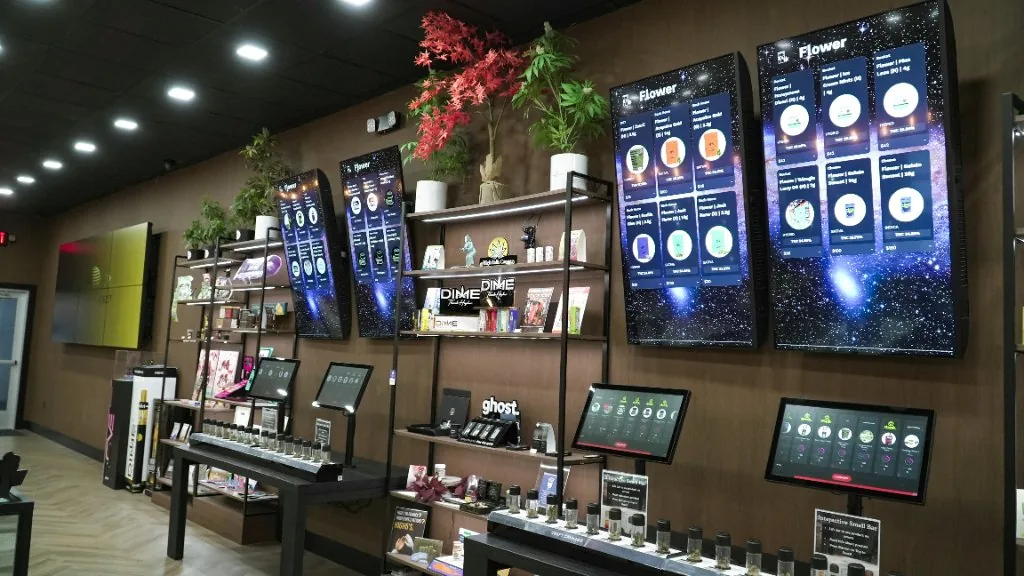
Gastronomy & Beverage
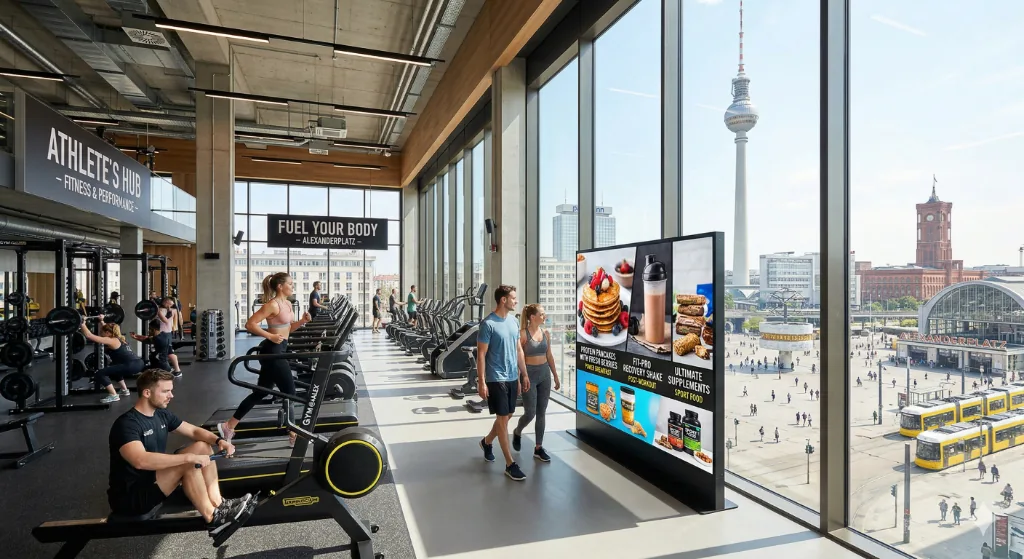
Fitness Centers & Gyms

Retail & Fashion
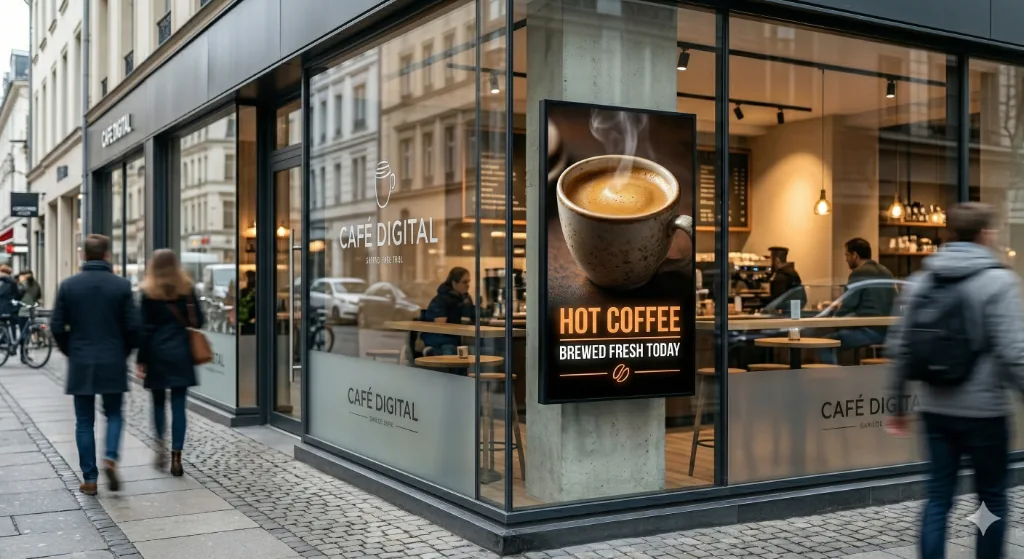
Cafés & Restaurants
Why Digital Signage Matters
Central Management
Update content across all screens instantly from your laptop or phone.
Reliability
Automatic restart after power outages. No manual intervention needed.
Professional Quality
Smooth transitions, high-quality playback, zero ugly file names or progress bars.
Real-Time Monitoring
Know exactly what's playing on every screen, every moment.
Cost Effective
No more printing, reprinting, or manual content updates.
Flexibility
Display videos, images, dynamic content, schedules - all on the same screen.
Why DIY Solutions Fall Short
Many businesses try cost-saving workarounds like USB drives or basic computers. They seem cheap at first, but quickly become costly.
USB Flash Drives
- Manual content updates at each screen
- No automatic restart after power failures
- Ugly file names and progress bars visible
- Slow, clunky transitions (1-5 seconds)
- Zero remote monitoring or reporting
- Compatibility issues with different TV models
PC/Laptop Setup
- Frequent hardware failures (24/7 operation is harsh)
- High electricity consumption
- Manual remote access for updates
- All USB drive problems still apply
- Not designed for unattended operation
Custom Code
- Expensive to develop and maintain
- No backup support if it breaks
- Time-consuming to add features
- Scaling becomes a nightmare
- High on-site support costs
Digital Signage Platform vs. DIY
| Aspect | DIY Solution | Digital Signage Platform |
|---|---|---|
| Content Updates | Manual at each location | Instant across all screens |
| Reliability | Manual restart required | Auto-restart after outages |
| Playback Quality | Slow (1-5 sec transitions) | Smooth (near-instant) |
| Monitoring | None | Real-time status & reports |
| Scalability | Breaks down quickly | Handles 1 or 1,000 screens |
| Cost | Hidden costs accumulate | Predictable, affordable |
Who Benefits from Digital Signage?
Digital signage isn't just for enterprise. Small businesses with 1-5 screens see the biggest ROI.
Retail & Food
Display promotions, menu items, and limited-time offers that drive impulse purchases.
Fitness & Wellness
Showcase class schedules, membership offers, and motivational content.
Healthcare
Communicate wait times, appointment reminders, and health tips.
Offices & Lobbies
Display company announcements, visitor information, and branded content.
Education
Share schedules, announcements, and emergency notifications instantly.
Events & Venues
Real-time updates, sponsor rotation, and directional signage.
Best Practices for Digital Signage Success
Keep Content Fresh
Update regularly. Stale content signals neglect.
Strategic Placement
Position screens where your audience actually looks.
Clear Messaging
Simple, bold text. Avoid information overload.
Professional Design
Invest in quality creative. Your brand is on display 24/7.
Monitor Performance
Track engagement and adjust content based on what works.
Responsive Sizing
Design for the specific screen size and distance.
Digital signage and screen advertising (DOOH)
Digital signage is the screens and the software that runs them. DOOH, digital out-of-home, is advertising on such screens outside the home. ClickClickPlay does both: the app runs your own screens, and advertisers book ads on the screens in our partner network.
See screen advertisingReady to Go Digital?
ClickClickPlay makes digital signage simple, affordable, and effective.
Book a 30-minute callOr write us directly:
hello@clickclickplay.com