Screen advertising · 28 countries
Put your brand in the room with your audience.
Your ad on 26,238 screens in 28 countries, through our partner network: in stores and waiting rooms, offices, gyms and hotels, restaurants and stations. Pick the audience, we run your ad and prove every play.
Not sure yet? Book a free 30-minute call
- 13,720 locations in 28 countries
- Every play logged to the second
Who you can reach
Pick the audience. We know which rooms they're in.
Seven audiences on 26,238 screens, biggest first. Each page lists the countries and, where we have them, the cities.
 Live · 12,383 screens in 12 countries
Shoppers in stores
In supermarkets, electronics stores, fuel stations and shopping centres, right where they decide what to buy.
See countries and stores Live · 6,819 screens in 4 countries
Patients in waiting rooms
At doctors, dentists, therapists and vets, before their appointment.
See the map Live · 2,172 screens in 22 countries
Founders, managers and their teams
In coworking spaces and office buildings, every working day.
See countries and cities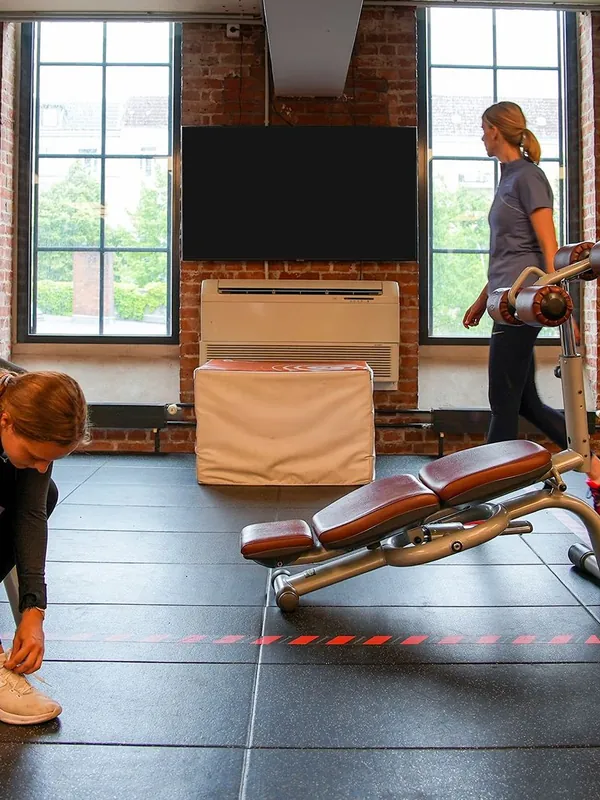 Live · 1,746 screens in 12 countries
Gym members
From premium health clubs to neighbourhood studios, on every visit.
See countries and cities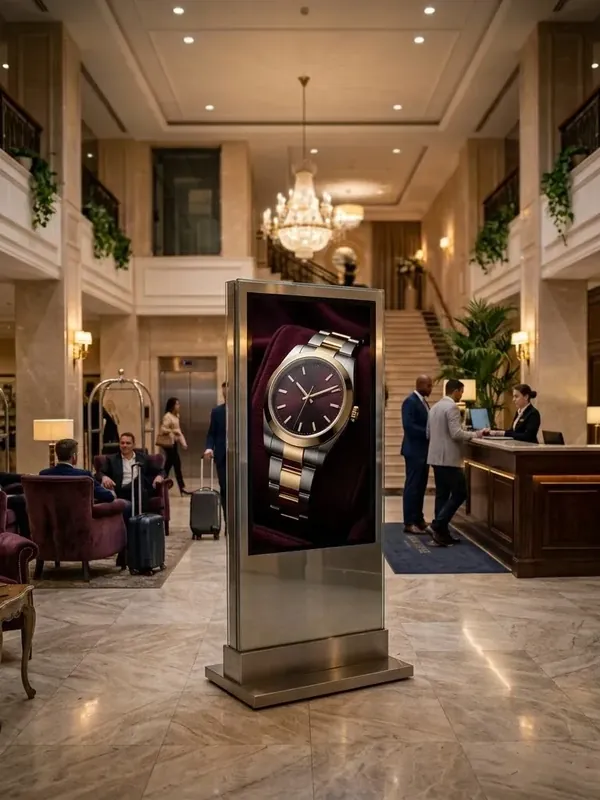 Live · 1,677 screens in 7 countries
Hotel guests
Travellers deciding where to eat, what to do and how to get around.
See countries and cities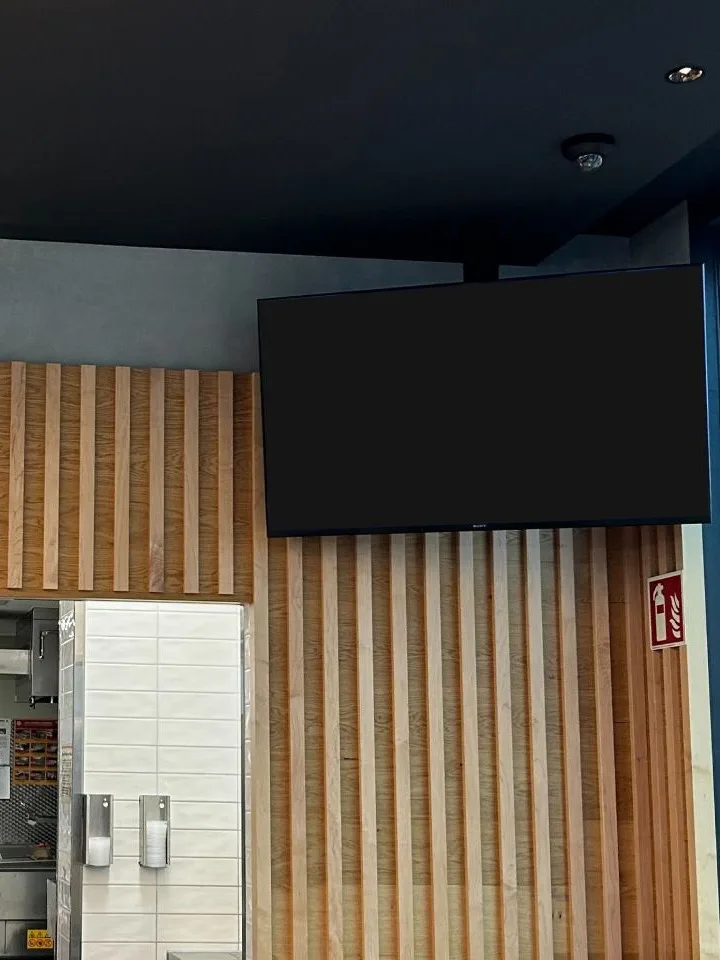 Live · 797 screens in 5 countries
Diners and the night-out crowd
In fast-food restaurants, restaurants, bars and clubs, while they wait or wind down.
See countries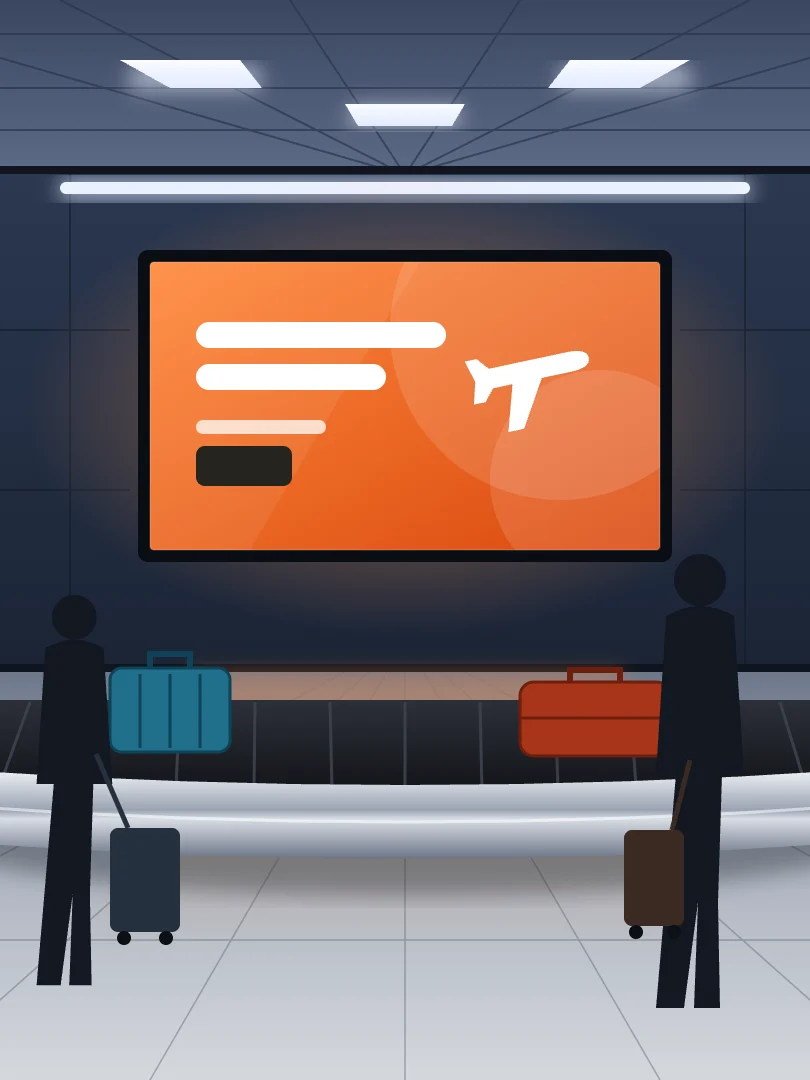 Live · 462 screens in 4 countries
Travellers and passers-by
At airports, train stations and on street panels, on their way somewhere.
See countries
Photos on the cards may be stock photos or AI-generated.
Looking for someone else? Tell us who you want to reach, and we tell you honestly where they are. Tell us your audience
How it works
One call. We handle the rest.
- 1
Tell us who you want to reach
A 30-minute call: your audience, your offer, your timing.
- 2
We pick the rooms
We suggest the venues that match, and the days and hours your audience is there.
- 3
Your creative, or ours
Send a finished ad, or our network of creative professionals produces it from your photos and logo, to the screen's specs.
- 4
It runs, and you get the proof
Your ad goes live in the loop, and every play is logged to the second.
Why it works
One impression does nothing. Three months in the room does.
We put your brand in front of the people you want to reach, again and again, in the rooms they keep coming back to. By the time they need you, they already know you.
- Familiarity becomes preference
- Most buyers are not buying today
- Buyers choose from a shortlist they already have
- Memory fades, so presence has to last
- The exact audience, nothing else
- No skipping, no blocking, no bots
- Real-world presence builds trust
- It makes your other channels work harder
Where the screens are
26,238 screens in 28 countries.
Germany, Italy and the United States carry the most. Tell us the countries you need, and your plan names every location before you book.
See every country and city| Germany | 12,531 screens |
|---|---|
| Italy | 7,541 screens |
| United States | 2,691 screens |
| United Kingdom | 1,233 screens |
| Spain | 1,057 screens |
+23 further countries Show them
| Austria | 387 screens |
|---|---|
| France | 285 screens |
| Canada | 111 screens |
| Netherlands | 60 screens |
| Australia | 58 screens |
| Portugal | 57 screens |
| Singapore | 56 screens |
| Ireland | 27 screens |
| Poland | 21 screens |
| United Arab Emirates | 18 screens |
| India | 18 screens |
| Czechia | 15 screens |
| Hungary | 12 screens |
| Mexico | 11 screens |
| Switzerland | 9 screens |
| Brazil | 9 screens |
| Belgium | 8 screens |
| Denmark | 8 screens |
| Slovakia | 7 screens |
| Argentina | 3 screens |
| Thailand | 2 screens |
| Sweden | 2 screens |
| South Africa | 1 screens |
Fair questions.
Where can I advertise today?
On 26,238 screens in 13,720 locations in 28 countries, through our partner network: stores and shopping centres, doctors' and dentists' waiting rooms, offices and coworking spaces, gyms, hotels, restaurants and bars, airports, stations and street panels. Each audience page lists its countries, and where we have them, the cities. Our own screens in post and parcel shops come on top.
Why does repetition matter?
People choose brands they know. On our screens your ad reaches the same people in the same room again and again, every day of your campaign. When they are ready to buy, yours is the name they already know.
Can I book several countries in one campaign?
Yes. Tell us the audiences and countries you need, and we put them into one plan that names every location before you book.
I run a local business. Can I advertise just in my city?
Name your city and we show what is near you, by audience. Then tell us what you have in mind, and we check what can be booked around your shop.
What does a campaign cost?
It depends on how many locations you book, how often your ad plays and for how long. Tell us your audience and budget on a call and we come back with a concrete plan and price.
Who makes the ad?
Your choice. Send a finished ad to the screen's specs, or our network of creative professionals produces it from your photos and logo. The specs are public on our creative specs page.
How do I know my ad ran?
Every play is logged with the screen, the date and the time, to the second. You get that proof of play with your report.
Tell us who you want to reach.
We come back within one working day with the right locations and a start date.
Book a 30-minute callOr write us directly:
hello@clickclickplay.com
Have your own screens? Run them all from one panel, from €19 a screen a month.See the software