Hospitality & Events
Real-Time Screen Management for Live Events & Conferences
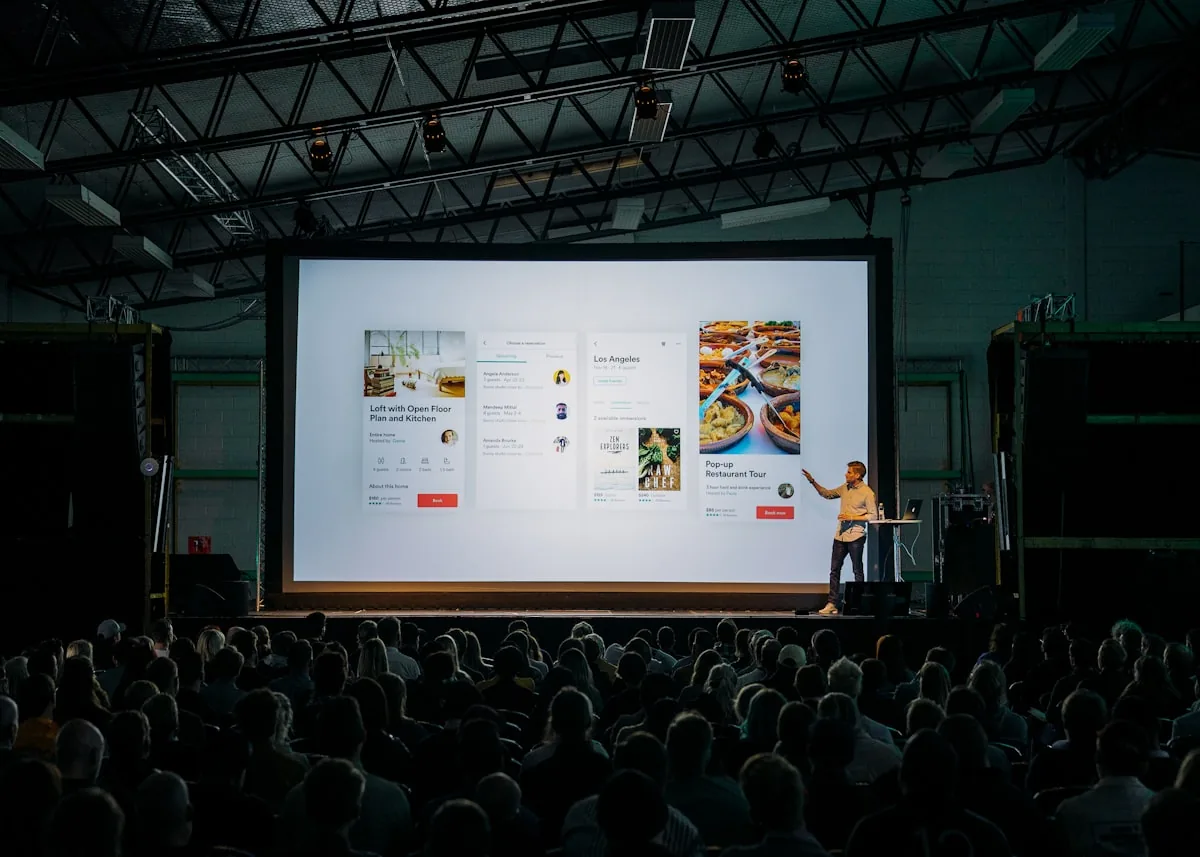
At GITEX we installed three stage screens - Main Stage, Next Stage and Intelligence Stage - managed in real time from a single laptop. No more running between screens with USB sticks. Last-minute program changes pushed in 60 seconds.

Case Study - GITEX
Three Stages, One Laptop, Zero USB Sticks
The client's team needed to update agendas, speaker slides and sponsor content across three stages during a live conference. Before ClickClickPlay, every change meant someone running to each screen with a USB stick - slow, error-prone and stressful during last-minute changes.
With our solution, the team managed all three screens from one dashboard on their laptop. Program changes, speaker swaps and slide updates went live across every stage in 60 seconds. No printing, no USB sticks, no panic.
The Three Stages
Main Stage
Primary conference stage with live agenda and speaker slides.
Next Stage
Secondary stage for breakout sessions and panel discussions.
Intelligence Stage
Dedicated stage for tech talks and innovation sessions.
Results at GITEX
Client Feedback
“Screens running seamless.”
Event Lead, GITEX
“Perfect.”
Stage Manager, GITEX
From the Event
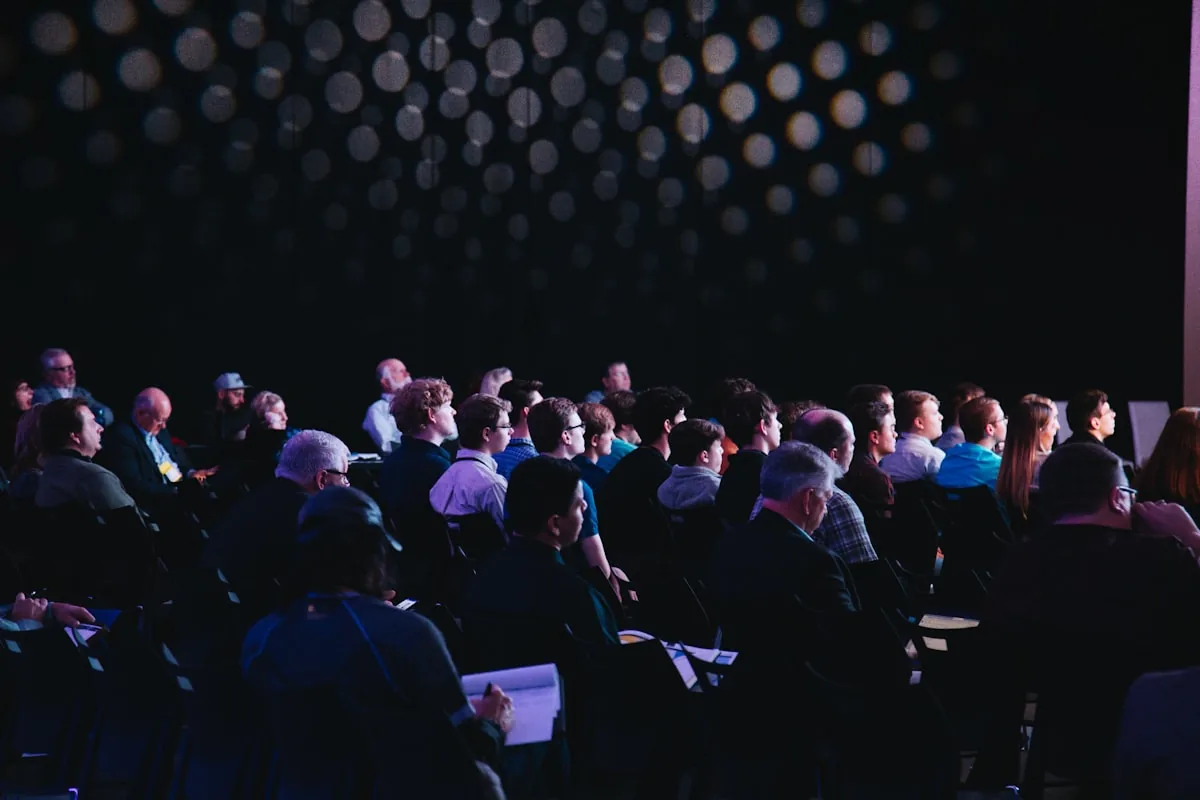
Three stage screens running live content throughout the conference.

See It in Action
Real-time screen management during a live event.
Why Event Teams Choose ClickClickPlay
Update All Screens From One Laptop
Manage every stage, entrance and breakout screen from a single dashboard. No running between rooms with USB sticks.
Last-Minute Changes in 60 Seconds
Speaker delayed? Program swapped? Push updates to every screen in under a minute - without leaving your seat.
Zero Printing Costs
Agendas, schedules and wayfinding live on screens. Update instantly, print nothing.
Offline-First Playback
Screens keep running even if venue Wi-Fi drops. Content is cached locally - no black screens mid-event.
Running an Event or Conference?
Get a tailored digital signage setup for your venue. Custom project pricing.
Book a 30-minute callOr write us directly:
hello@clickclickplay.com